The Ultimate Guide to Finding a Free Resume Builder No Account PDF Download
 Angelina Koss4 min read
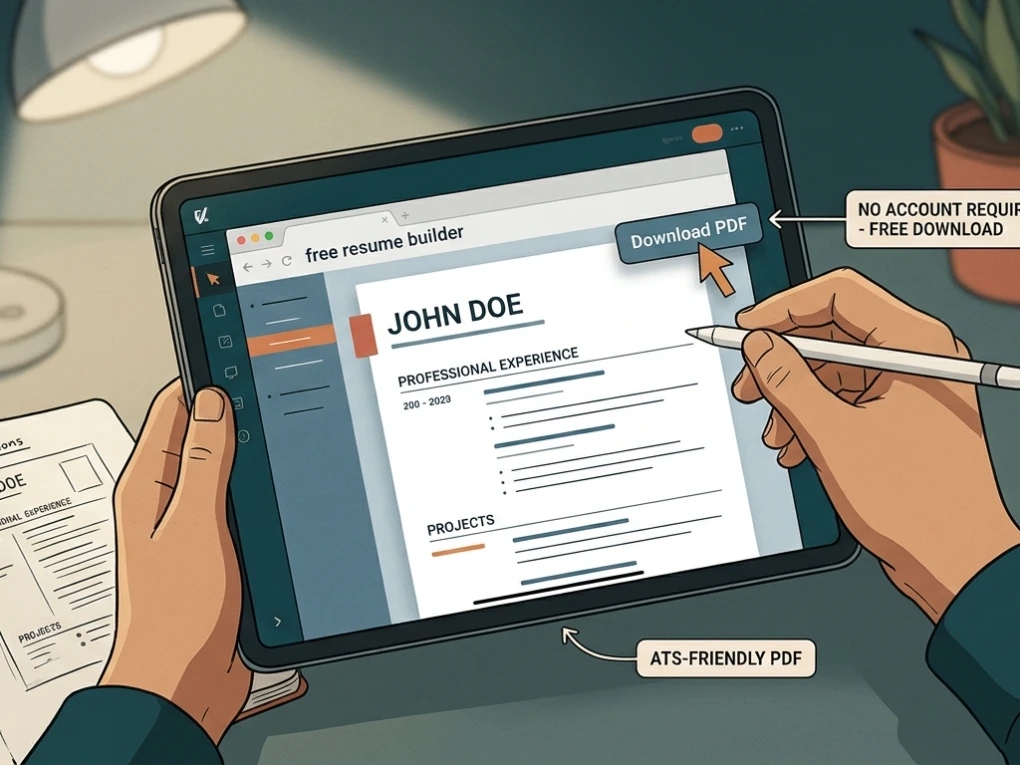
Finding yourself locked behind a surprise paywall right when you are ready to download your finished CV is one of the most frustrating experiences during a job search. You spend an hour crafting bullet points, selecting fonts, and aligning your work history, only for the platform to demand an email address, a password, or a monthly subscription fee just to save the file.
Fortunately, a growing movement of developer-friendly and privacy-first web utilities offers a true free resume builder no account pdf download experience. These tools strip away unnecessary friction, letting you build a polished document right in your browser and export it immediately.
Why Choose a Resume Builder That Requires No Account?
Traditional resume platforms often rely on freemium models that capture user data for marketing or force upgrades. Opting for a tool that requires zero sign-up offers several distinct advantages:
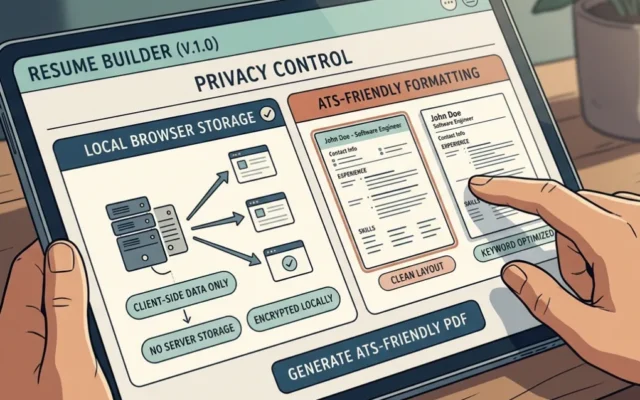
- Complete Data Privacy: Because these tools operate client-side or without mandatory cloud databases, your phone number, work history, and home address remain on your local device.
- Zero Spam or Email Harvesting: You won’t have to worry about your inbox getting flooded with promotional newsletters, job alert spam, or third-party marketing emails.
- Instant Gratification: You can jump straight from a blank page to a finished PDF file in under ten minutes without verifying an email or creating a password.
- No Hidden Paywalls: Every feature, template, and export option is available freely from start to finish.
Top Platforms Offering Free Resume Building Without Sign-Up
Several standout web applications cater directly to job seekers looking for speed, efficiency, and clean formatting without the administrative overhead of user profiles.
OpenResume
OpenResume is a popular open-source resume builder and parser designed for modern professionals. It features a clean, single-column layout optimized for Applicant Tracking Systems (ATS). It requires no login, keeps your data securely in your browser storage, and allows you to generate a clean PDF instantly.
Browser-Based Lightweight Editors
Powered by modern document engines like Typst or client-side JavaScript, these tools let you draft your resume in real time. They provide unlimited exports, feature zero watermarks, and require no credit cards or subscriptions.
Privacy-First Alternatives (Infinite Resume & DuckResume style tools)
These platforms focus strictly on utility, offering dozens of clean templates, watermark-free PDF exports, and zero account hurdles. They allow you to tailor your resume multiple times for different job descriptions without hitting a download cap.
Comparison of No-Account Resume Builders
To help you choose the right approach for your job hunt, review the comparison table below showcasing key features of account-free platforms versus traditional gated builders.
| Feature | No-Account Free Builders | Traditional Gated Builders |
| Account Required | None (Immediate access) | Mandatory email & password |
| PDF Download Cost | 100% Free | Paywalled or watermarked |
| Data Storage | Local browser storage | Cloud servers / database |
| Export Limits | Unlimited downloads | Restricted or tiered |
| Spam Risk | Zero (No email provided) | High (Frequent marketing emails) |
How to Ensure Your Resume Passes Modern ATS Filters
Building your CV quickly is only half the battle; it also needs to successfully pass automated corporate screening software. When using a free resume builder no account pdf download, keep these core principles in mind:
- Stick to Single-Column Layouts: Multi-column designs often confuse older ATS parsers, scrambling your work history and job titles.
- Use Standard Headings: Label your sections clearly with terms like “Work Experience,” “Education,” and “Skills” rather than creative synonyms.
- Incorporate Relevant Keywords: Mirror the phrasing found in the target job description to match algorithmic ranking criteria.
- Verify Formatting: Once you export your PDF, run it through an independent ATS Checker to confirm that the text is fully searchable and readable.
Step-by-Step Guide to Building Your Resume Fast
- Open the Web Editor: Navigate directly to a trusted browser-based resume creator without clicking through registration screens.
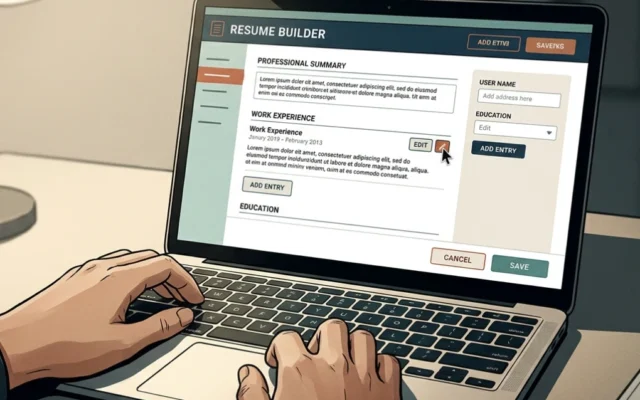
- Input Your Information: Fill out the structured text fields for your professional summary, career history, education, and technical skills.
- Select a Clean Template: Choose a minimalist, ATS-compliant layout that highlights your strongest achievements.
- Export and Download: Hit the export button to save the finalized file directly to your local machine as a PDF.
Frequently Asked Questions (FAQ)
Can I really download my resume as a PDF for free without registering?
Yes. Multiple modern web utilities allow you to build, customize, and export your resume as a clean PDF file without ever creating an account or providing an email address.
Are no-account resume builders safe for my personal data?
Yes. Because these tools do not require an account, they often process your text locally within your browser’s session storage rather than uploading your sensitive career history to an external cloud database.
Will a resume built without an account pass ATS software?
Most quality free builders use mathematically structured, single-column formats designed explicitly to pass through corporate Applicant Tracking Systems without parsing errors.
How many times can I download my resume?
Account-free platforms typically offer unlimited downloads, allowing you to tweak your bullet points and export tailored versions for every unique job application.
Securing your next interview shouldn’t require jumping through hoops or paying hidden fees. By utilizing a reliable free resume builder no account pdf download, you can protect your personal data, bypass annoying sign-up walls, and generate a professional, ATS-ready document in minutes.
Ready to create your professional document? Test out our powerful Resume Builder today to design, format, and download your winning CV in minutes!