Ultimate Guide to Finding a Resume Builder Without Watermark or Paywall
 Angelina Koss5 min read
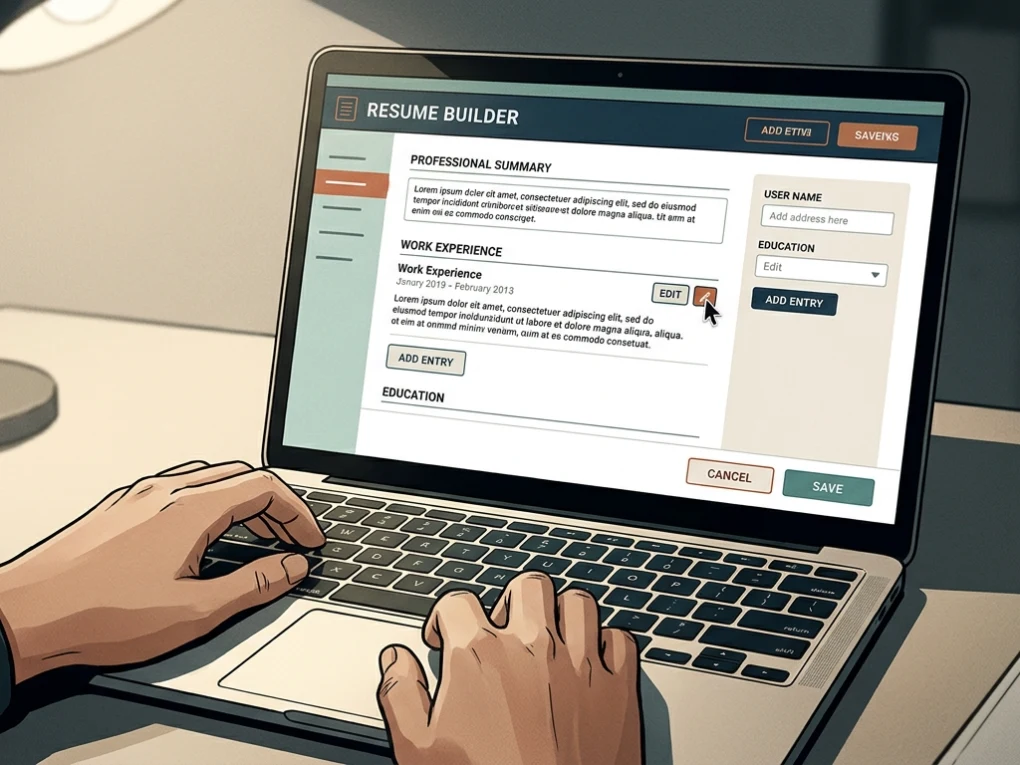
Finding out that the resume you spent an hour crafting is locked behind a paywall is one of the most frustrating experiences in a job search. You invest time writing bullet points, adjusting margins, and selecting professional layouts, only to click “Download PDF” and face a sudden pop-up demanding a monthly subscription or forcing an unsightly branded logo across your document.
Fortunately, you do not have to fall into this trap. Several reliable platforms offer a truly free resume builder without watermark or paywall, allowing you to build, customize, and export professional, ATS-ready documents without spending a dime.
In this comprehensive guide, we will break down the top tools available today, expose common pricing tricks to avoid, and show you how to secure your next interview without unexpected costs.
Why Job Seekers Fall for the “Free Resume Builder” Trap
Many popular resume platforms market themselves as “free,” but they operate on a clever bait-and-switch model. They let you design your entire resume for free using attractive drag-and-drop templates. However, when you attempt to download the final PDF or text file, you encounter a sudden barrier.
- The Download Paywall: The system blocks export privileges unless you enter credit card information or sign up for an expensive recurring subscription.
- Aggressive Watermarking: Some platforms permit free downloads but stamp a massive, unprofessional watermark or company logo across the header or footer of your document.
- Hidden Trial Auto-Renewals: A platform might offer a “7-day trial for $1,” only to automatically charge $25 to $40 per month if you forget to cancel.
Recognizing these tactics early saves you time and protects your personal data. A genuine free service gives you total ownership of your document from creation to export.
Top Truly Free Resume Builders Without Watermarks or Paywalls
When searching for an honest platform, a few stand out for their commitment to providing full functionality without unexpected financial barriers. Whether you need a Resume Builder for quick updates or a deeply tailored application package, these options deliver exceptional value.
FlowCV
FlowCV has earned a stellar reputation among job seekers for its generous and transparent approach.
- The Offer: Your first resume and cover letter are completely free forever, with unlimited PDF downloads.
- Design Control: You get access to over 100 customizable templates without encountering locked premium designs on your first document.
- No Branding: Your exported PDFs are entirely clean, featuring no watermarks, footers, or corporate logos.
FreeCV
Designed for speed and simplicity, FreeCV eliminates friction points like mandatory account creation walls for initial drafting.
- The Offer: A genuinely free resume maker that requires no credit card to start and no surprise paywall at the download stage.
- AI Assistance: It includes generous free daily AI writer credits to help refine your bullet points.
- ATS Compatibility: Templates are built with clean code structures that ensure Applicant Tracking Systems parse your work history accurately.
SonCV
For privacy-conscious applicants, browser-based and local-storage builders provide a secure alternative.
- OpenResume: An open-source option where your data stays securely in your browser local storage rather than uploading to a remote database. It offers unlimited PDF exports and a clean, single-column ATS format.
- DuckResume: A zero-login, privacy-first mobile and desktop builder that lets you export professional PDFs straight to your device without forced email subscriptions.
Comparison of Leading Free Resume Builders
To help you decide which platform fits your workflow, review the comparison table below regarding key features, cost structures, and export limitations.
| Platform Name | Free PDF Download? | Watermark-Free? | Account Required? | Standout Feature |
| FlowCV | Yes (1st resume free forever) | Yes | Yes (to save) | 100+ professional templates |
| FreeCV | Yes | Yes | Optional | Daily free AI writer credits |
| OpenResume | Yes | Yes | No | Open-source & browser-local storage |
| DuckResume | Yes | Yes | Optional | Mobile app & zero-login ease |
| Google Docs | Yes | Yes | Google Account | Familiar word processor with version history |
Essential Features to Look for in a Free Resume Builder
When evaluating any platform claiming to be a free resume builder without watermark or paywall, keep specific performance benchmarks in mind. A truly valuable tool should do more than just avoid charging you money; it must actively enhance your job application success rate.
Applicant Tracking System (ATS) Compatibility
Over 75% of large enterprises use automated software to filter resumes before a human ever reads them. If a tool uses complex text boxes, graphic sidebars, or image-based layers, parsing software may scramble your employment history. Always pair your finished document with a reliable ATS Checker to verify that keywords and formatting are fully readable.
Complete Data Privacy
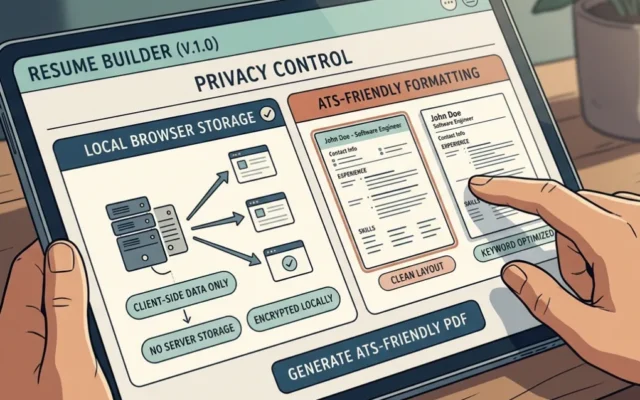
Your resume contains sensitive personal information, including your phone number, employment history, and home address. If a platform forces you to sign up just to build a draft, check their privacy policy. Utilizing a privacy first resume builder in browser ensures your data remains on your local machine without being harvested or sold to third-party data brokers.
Frictionless Access and No-Account Export
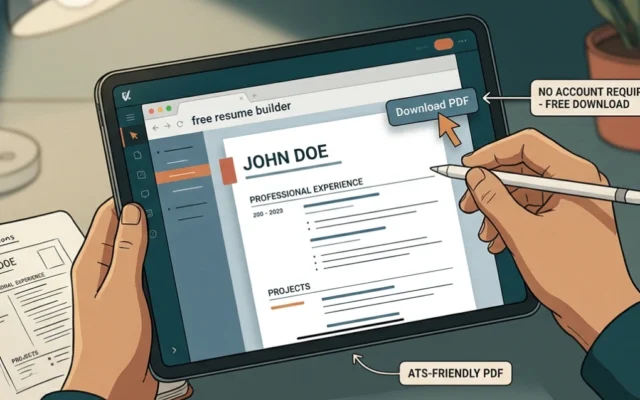
For emergency applications where you need to update a CV within minutes, look for a free resume builder no account pdf download. Being able to draft, format, and download without navigating mandatory email confirmation loops or spam newsletters saves valuable time.
Frequently Asked Questions (FAQ)
Are free resume builders actually safe to use?
Yes, reputable free resume builders are safe, especially open-source tools or platforms that store your data locally in your browser. Always review privacy policies to ensure your personal contact details are protected.
Why do some resume builders charge money?
Many commercial platforms rely on venture capital funding or high customer acquisition costs, forcing them to use high-pressure paywalls at the final download stage. Truly free builders often rely on optional pro upgrades for advanced features rather than locking basic exports.
Will a free resume pass automated ATS screening?
Yes, as long as you select a clean, single-column layout that avoids tables, graphics, and non-standard fonts. Standard text formatting ensures automated hiring software reads your skills and experience correctly.
Do I need to create an account to download my resume?
It depends on the platform. Some modern builders allow zero-login edits and instant local downloads, while others require a free account so you can save your draft for future edits.
Navigating a job hunt is challenging enough without unexpected financial hurdles. By choosing a reputable resume builder without watermark or paywall, you can craft a polished, professional presentation that highlights your unique strengths without worrying about hidden subscription fees.
Ready to land your next role? Choose a platform that respects your budget and data privacy, test your layout against automated scanners, and submit your application with complete confidence.